Bring a little idea.
Type a name or choose a high-contrast image. Use simple shapes for the clearest stone layout.
 rhinestonecreatorTHE LITTLE DESIGN WORKSHOPMake something ✦
✦ RHINESTONE TEMPLATE MAKER
Turn a name, a logo, a little idea into a rhinestone layout. Make it yours, one stone at a time.
Drag your design to position it. Styled mockup on an AI-generated model; placement is illustrative.
NO ARTWORK YET?
Original sample layouts. Pick one and make it your own.
FROM AN IDEA TO A LITTLE SPARKLE
A focused tool for names, simple logos and single-color designs. No complicated design suite required.
Type a name or choose a high-contrast image. Use simple shapes for the clearest stone layout.
Choose width, hole size and spacing. Try a layout, then add or remove individual stones.
Test the free calibration strip. When you're ready, request a manually reviewed SVG or actual-size PDF.
SMALL PROJECT. SIMPLE PRICE.
Explore as many layouts as you like. Your production-file request is reviewed by a person before the next step.
Early pilot: no checkout or automatic charge. We'll confirm your file, payment arrangement and delivery manually.
$4.99 / design · proposed
No account. No card. Just your idea.
GOOD TO KNOW
The layout can be exported as standard SVG circles or an actual-size PDF. Import support varies by software and edition. Verify the imported dimensions, measure your actual stones and test the calibration strip with your material and blade before a production cut. We haven't certified physical cutter compatibility.
This first studio works best with lettering, logos and high-contrast silhouettes. It uses one hole size and one cut layer at a time. Preview color is cosmetic; it does not create multiple color-separated cut layers or mixed-size stone patterns.
No. The proposed price is $4.99 per design, but this pilot does not collect payment. We review your layout and contact you about the file and delivery. Your private project page shows its status and released file.
Editing happens in your browser. Sending a production request shares your stone layout and contact details. Sharing the original artwork is a separate, optional checkbox.
Use Save project to download your layout as a JSON file. Open project restores the stone positions. Changing the artwork or settings then creates a new layout, so keep a saved copy before rebuilding.
A CLEARER WAY TO START
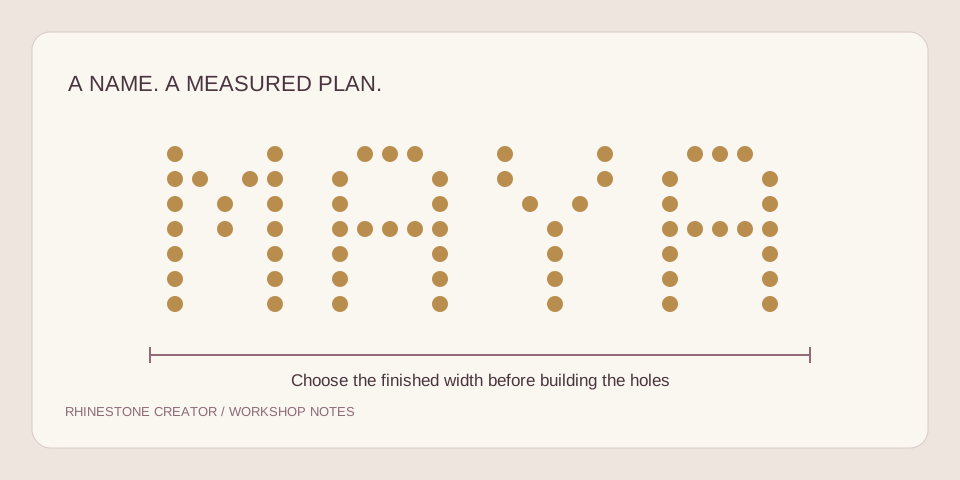
Turn a name or simple logo into a measured layout, with a clear brief for the person reviewing your file.
Read the guide ↗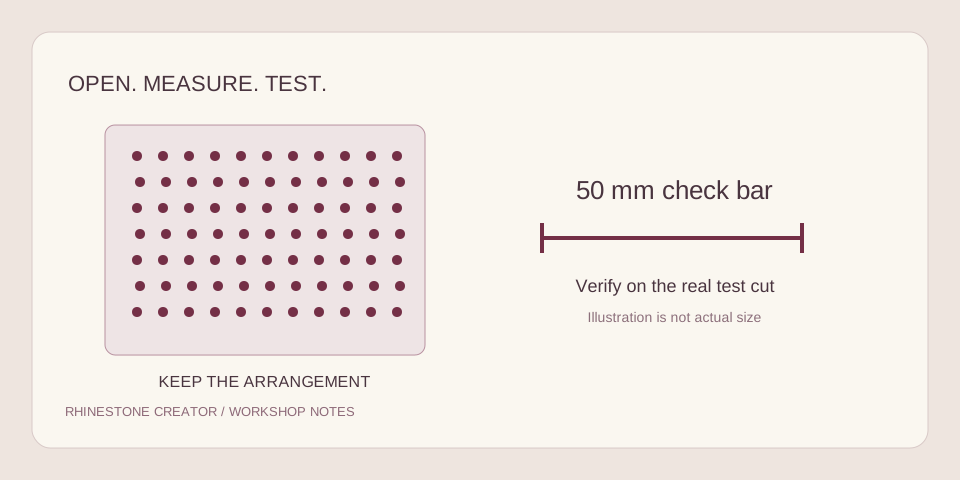
Keep every hole at the intended size and position before committing a sheet of stencil material.
Read the guide ↗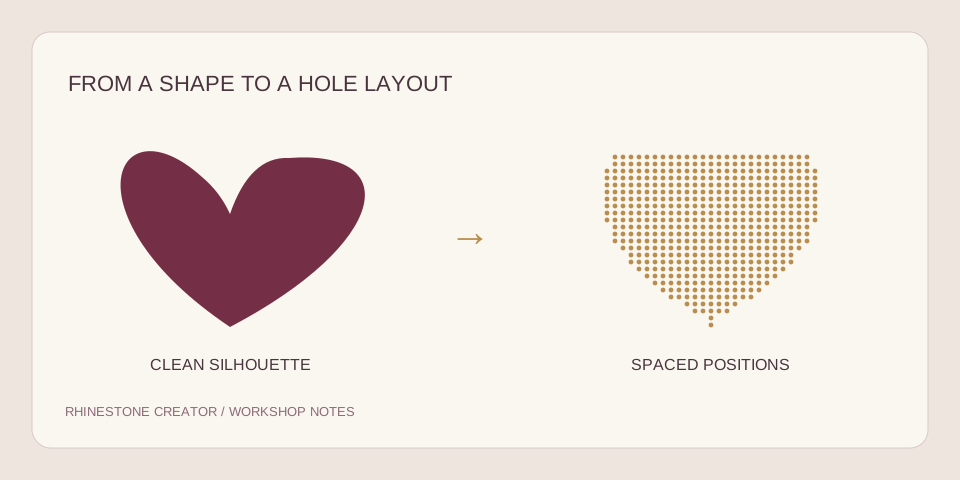
Prepare a clean silhouette, choose the physical size and keep the details that will read on a shirt.
Read the guide ↗