
THE WORKSHOP GUIDES
A clearer plan.
A better little project.
Names, simple logos and the files that turn them into a rhinestone layout. Choose the guide for the step you are working on, then try it with your own design.
Already have a plan? Open the free creator ↗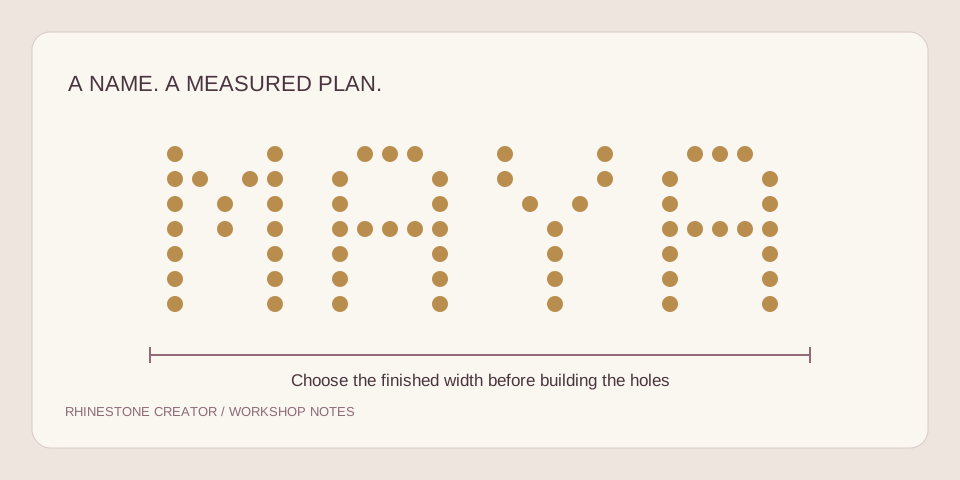
Custom rhinestone templates for names, logos and shirts
Turn a name or simple logo into a measured layout, with a clear brief for the person reviewing your file.
Read the guide ↗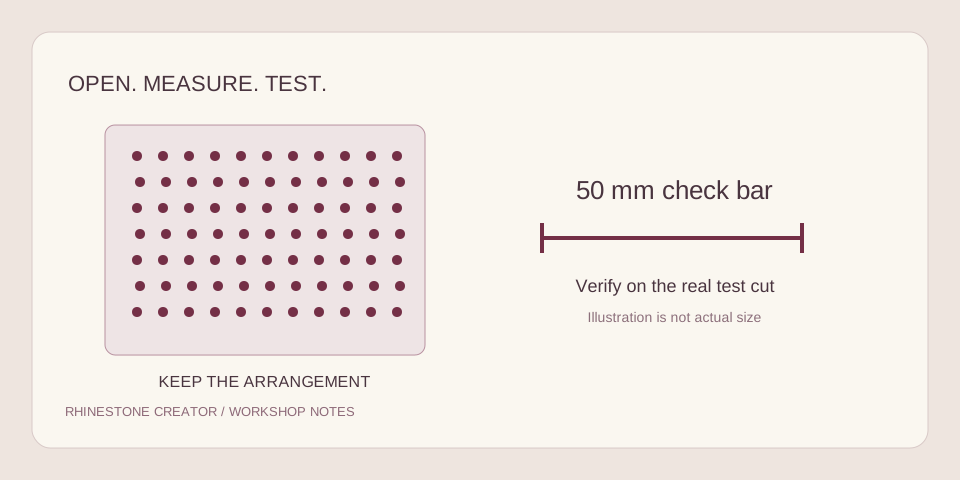
Rhinestone templates for Cricut: from SVG to a test cut
Keep every hole at the intended size and position before committing a sheet of stencil material.
Read the guide ↗Rhinestone SVG templates in Silhouette Studio
Check the software edition, the imported circles and the page setup before you cut.
Read the guide ↗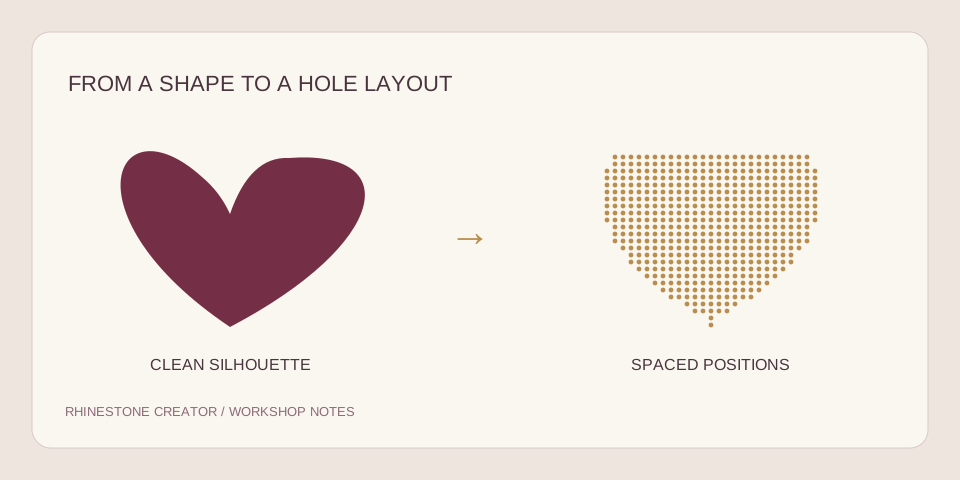
How to make a rhinestone template from an image
Prepare a clean silhouette, choose the physical size and keep the details that will read on a shirt.
Read the guide ↗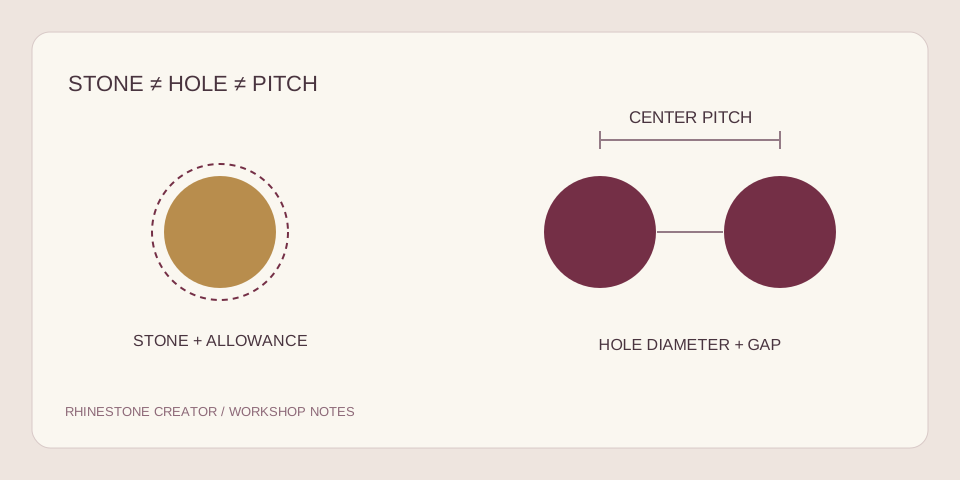
Rhinestone size chart: SS sizes, holes and spacing
A stone size, a hole diameter and a gap are three different measurements. Get them right before buying a file.
Read the guide ↗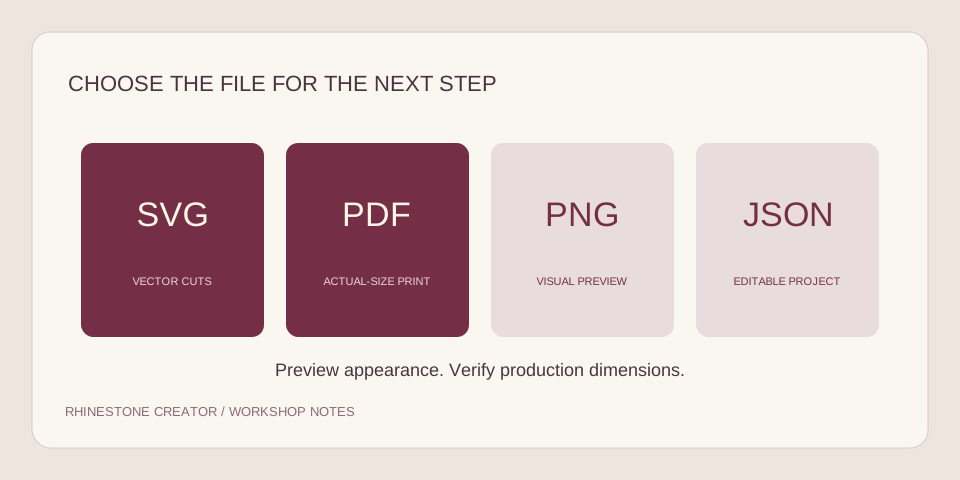
Rhinestone SVG vs PDF: which file do you need?
Pick the output for the way you make things, and verify scale before production.
Read the guide ↗From reading to making.
These guides describe the current Rhinestone Creator workflow and link to official software instructions where relevant. Examples are digital planning examples; they are not claims of physical cutter testing or finished customer orders.
Try a name or logo ↗